Posts
QR Code Generator with Python
A Python script using the qrcode library to generate customizable QR codes with error correction, including options for masking specific areas of the code.
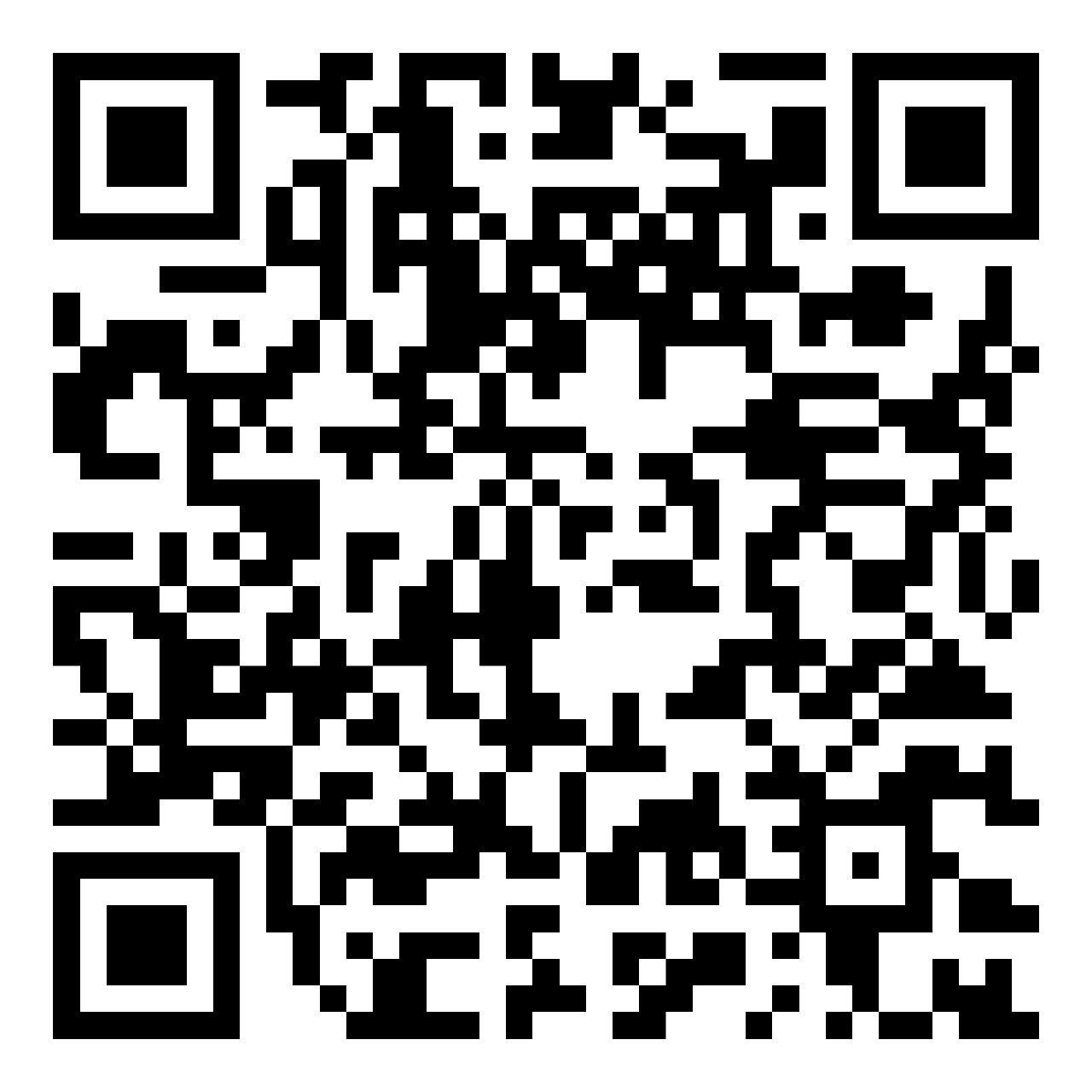
- This script uses the qrcode library: https://pypi.org/project/qrcode/
- The QR code spec recommends a minimum border padding of 4.
import qrcode
from PIL import Image, ImageDraw

def create_qr_code(data, box_size, border):
    qr = qrcode.QRCode(
        version=1,
        error_correction=qrcode.constants.ERROR_CORRECT_H,  # 30% error correction
        box_size=box_size,
        border=border,
    )
    qr.add_data(data)
    qr.make()
    img = qr.make_image(fill_color='black', back_color='white').convert('RGBA')
    img.save("!qrcode.png")
    return img

def create_mask(img, squares):
    mask = Image.new('1', img.size, 0)  # '1' for black and white
    draw = ImageDraw.Draw(mask)
    for square in squares:
        draw.rectangle(square, fill=1)  # fill the defined areas with white
    mask_img = Image.new('RGBA', img.size, (0, 0, 0, 0))  # create with full transparency
    mask_img.paste(img, mask=mask)
    mask_img.save('!qrcode-mask.png')

def main():
    # Data you want to encode
    data = "trimad.github.io/post/2023-06-24-qr"

    # Define global variables
    box_size = 32
    border = 2
    padding = border*box_size

    img = create_qr_code(data, box_size, border)

    # Define the size of squares
    position_pattern = 8*box_size+((border-1)*box_size)``

    # Define coordinates for 8x8 squares at the corners and an additional 5x5 square
    squares = [
        (padding, padding, position_pattern-1, position_pattern-1),
        (img.size[0] - position_pattern, padding, img.size[0] - padding-1, position_pattern-1),
        (padding, img.size[1] - position_pattern, position_pattern-1, img.size[1] - padding-1),
        (28*box_size+padding, 28*box_size+padding, (28+5)*box_size+padding-1, (28+5)*box_size+padding-1)
    ]

    create_mask(img, squares)

if __name__ == "__main__":
    main()